
 LinkBack URL
 About LinkBacks

It took me a bit to figure out how to get it done but I like the max being 600 pixels. I find you can easily see a photo that way without the scrolling up and down. But that is just me

This is a discussion on Opinions on uploading photos on this BB within the General photography forums, part of the Photography & Fine art photography category; It took me a bit to figure out how to get it done but I like the max being 600 ...
 Senior Member

It took me a bit to figure out how to get it done but I like the max being 600 pixels. I find you can easily see a photo that way without the scrolling up and down. But that is just me
 Senior Member
I generally resize so landscape pics are between 500-700px (depending on the vertical dimensions), or portait pics are about 500px high.
Pic sizes are typically 80-130K. I generally feel that below 100K most images at these sizes start to look rather compressed, so I'm fine with image sizes up to 200K - anything more than that is unnecessarily big.
Senior Member
Most other boards I spend time on use 800 pixels as the widest dimension, and something in the area of 150Kb for maximum file size; this seems to work well.
 Moderator

800 x 600 seems to fit nicely on the board and that should be large enough to get a decent view of the photos. Size or compression is a bit of a concern though.
If you remember this thread I figured out that the board software was compressing my photos or something which was what was making them all look "soft" or "fuzzy".
I switched to linking in my photos from Picasa because of that. I'd be happy to switch back if that problem goes away.
Regards, Iguanasan
Moderator
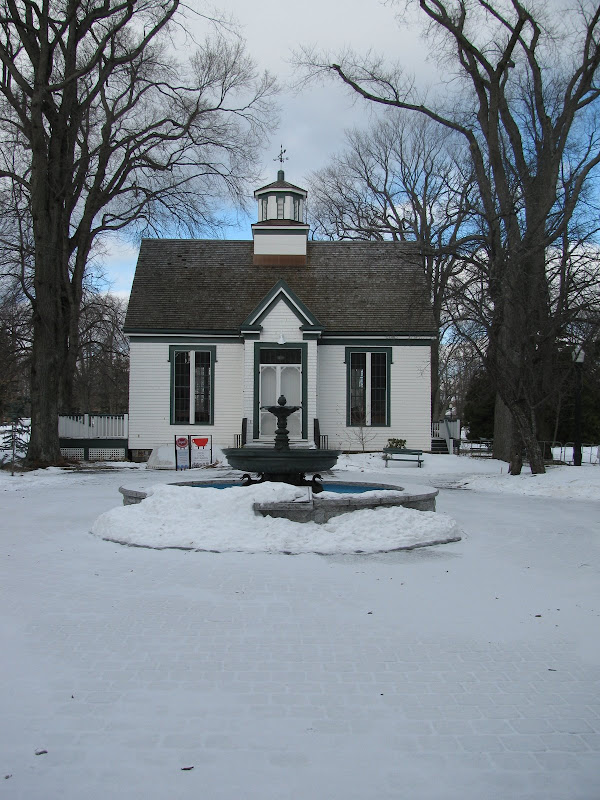
Testing....
Uploading
Picasaweb
Flickr

 Senior Member
Good illustration. And to expand on the topic, I’ll echo Marko’s thoughts on using the photography.ca group on Flickr. If you have an image that you want seen at its best, then this is the way to do it for those without a webpage while at the same time helping to promote the forum here.
http://www.flickr.com/groups/680198@N21/
Last edited by Barefoot; 02-15-2009 at 04:43 PM. Reason: To expand.
Senior Member
Personally, I don't like anything higher than 600 or so px - I want the entire image to fit on my screen (taking into account all the browser window furniture, menus etc).
If I have to scroll to see an image, I can't see the whole thing at once, and the ability to judge things like composition is impaired. The example images Ig posted above are a case in point - too high vertically for an average laptop screen.
In general, if I have to jump through hoops just to see and comment on an image, I'm less likely to, unless it's pretty damn spectacular!
Senior Member
I agree. 800 x 600 is a good size if the file size is at or about 300kb. I created a folder on my photobucket account for resizes, but Marko is right in that if you or the host moves anything around all the links are busted. I’ve seen that happen too many times.Originally Posted by tirediron

Normally, the host won’t compromise your links, but the owners of the images will sometimes forget that there’s a link to a particular image on the host site and rearrange things thereby creating empty space on a site where their picture should be. Of course, I would never do anything like that.
 Posting Permissions



 Reply With Quote


Bookmarks